Skip to content

3D printer training and repair

Learn the software and the hardware of your 3D printer, or let us fix it when it misbehaves. For owners, makers, print farms and teams.
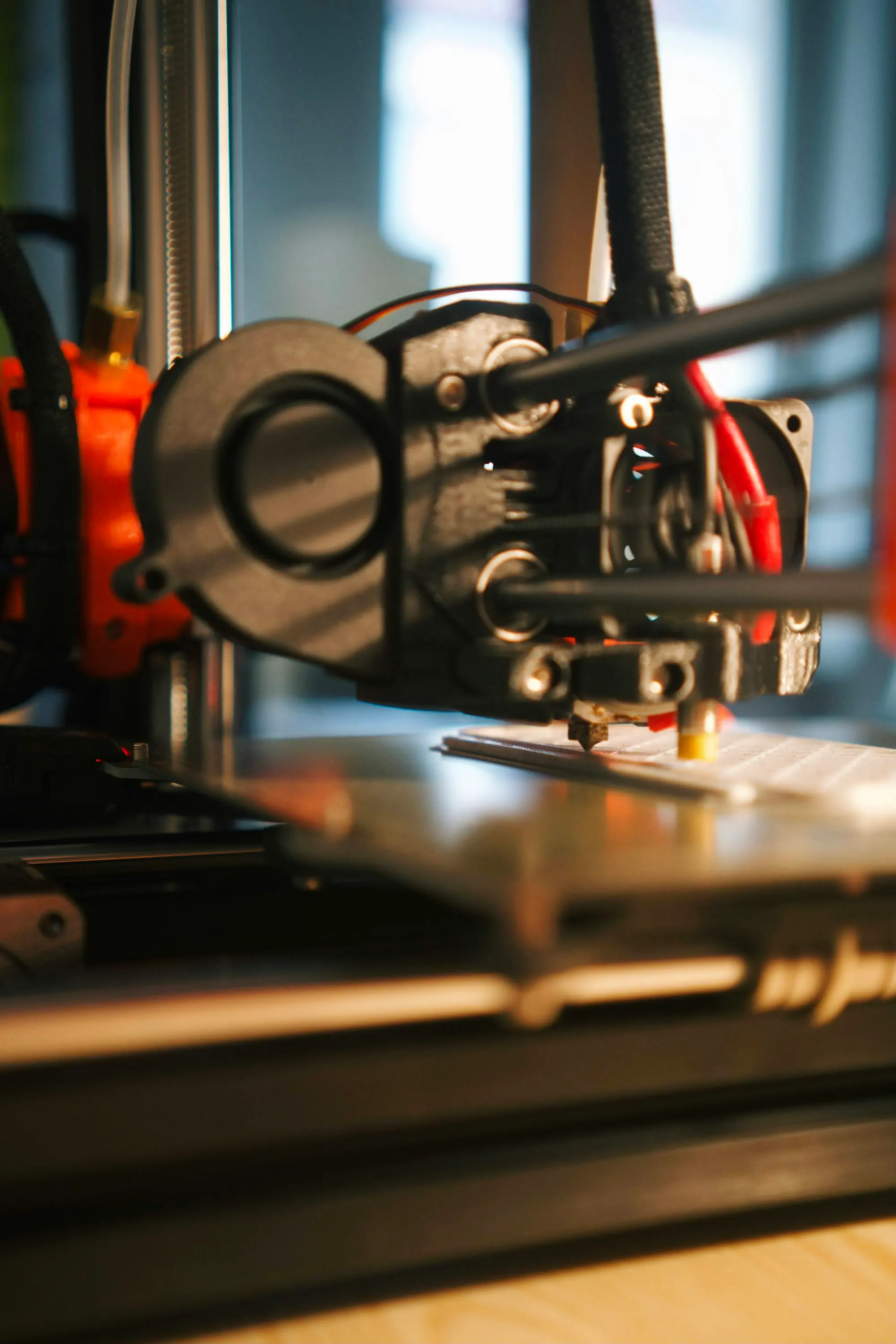
Close up of a 3D printer's extruder and cooling fan, wired up on an open frame

Track 1

Software training

From a model on screen to a clean print, without guesswork. On your printer, in the slicer you use.

  1. Slicer setup

    Profiles for your printer and material in the slicer you use, such as Cura, PrusaSlicer, OrcaSlicer or Bambu Studio.

  2. Settings that matter

    Layer height, walls, infill, speed and temperature, and what each one changes in the finished part.

  3. Orientation and supports

    How to place a part on the bed so it prints strong and clean, with as little support as possible.

  4. Design for printing

    Tolerances, clearances and fits in Tinkercad or Fusion, so parts that should fit together do.

  5. Files and fixes

    STL, 3MF and STEP files, and how to repair a model that will not slice.

  6. Colour and multi-material

    Colour changes, multi-material units and painting by layer, where your printer supports them.

Track 2

Hardware training

Know your machine inside out: set it up right, keep it calibrated, maintain it and upgrade it.

  1. Assembly and setup

    Building or unboxing a printer correctly, and the checks to run before the first print.

  2. Calibration

    Bed levelling, first layer, flow, temperature and retraction, step by step, with test prints you keep.

  3. Maintenance

    Cleaning and changing nozzles, belts, lubrication and the routine that keeps a printer reliable.

  4. Parts and upgrades

    Which upgrades are worth it, how to fit them, and how to replace worn parts.

  5. Firmware and electronics

    Updating firmware safely, and the basics of the board, sensors, heaters and wiring.

  6. Safe operation

    Ventilation, heat, resin handling, and where a printer should and should not run.

Track 3

Troubleshooting and repair

Printer problems we fix most often. If yours is not here, ask anyway: we will tell you whether we can help.

  • The first layer will not stick

    Usually
    A bed that is not level, a nozzle set too high, a greasy bed or the wrong bed temperature.
    What we do
    We level and clean the bed, set the Z offset and tune the first layer settings for your material.
  • Stringing, blobs and hairy prints

    Usually
    Damp filament, or retraction and temperature settings that do not suit the material.
    What we do
    We dry the filament, then tune retraction and temperature with test towers you can reuse.
  • Layers shift sideways

    Usually
    Loose belts or pulleys, the nozzle hitting the print, overheating motors or speeds set too high.
    What we do
    We tension the belts, tighten the pulleys, check the motion system and set speeds your machine can hold.
  • Nothing comes out of the nozzle

    Usually
    A clog, heat creep, a damaged nozzle or a worn extruder gear.
    What we do
    We clear or replace the nozzle, service the extruder and check the hot end cooling.
  • Gaps, thin walls and weak parts

    Usually
    A partial clog, wrong flow, a slipping extruder or tangled filament.
    What we do
    We service the filament path and calibrate flow and extruder steps.
  • Corners lift and parts crack

    Usually
    Parts cooling too fast, drafts, the wrong bed temperature or a material that needs an enclosure.
    What we do
    We adjust bed and fan settings, add a brim or enclosure where it helps, and match the material to the job.
  • It will not heat, home or turn on

    Usually
    A failed heater, thermistor, endstop or sensor, loose wiring or a tired power supply.
    What we do
    We trace the fault through the electronics and replace the part that failed.
  • Resin prints fail or stick to the vat

    Usually
    Exposure times, a cloudy or worn film, a plate that is not level, or cold resin.
    What we do
    We run exposure tests, replace the film, level the plate and set the room up for resin.

How printer help works

Most faults are fixed without the printer leaving your desk.

Costs are quoted per job

Repairs and training are priced by the fault, the parts and the time. We tell you the cost before any paid work starts.
Tell us the problem
Fill in the form with your printer and what is going wrong. We ask for photos or a short video by reply.
We find the cause
Most faults show up in photos, a video and a few questions. We tell you what we think is wrong and what fixing it involves.
We fix it with you
On a video call, step by step on your own machine, or at your place when it needs hands on the printer.
It stays fixed
We show you what caused it and the habits that stop it coming back.

How training runs

The same tracks, sized to who is learning. Teaching students in schools and colleges? That is Jigyanshala.

One to one
For a printer owner, at your pace, on your own machine.
Small groups
For makers, shops and print farms who want everyone working the same way.
Teams and labs
For companies, colleges and labs, with trainer training so your own people can teach the next ones.

Questions we hear most

Get printer help or book training

Tell us your printer and what is going on, or what you want to learn. We reply within one working day.

Prefer a form? Write to us here

Email or phone, at least one.

Describe the problem or what you want to learn. For a fault: when it started and what you have tried.

How would you like help